
App
Your safety, always at hand.
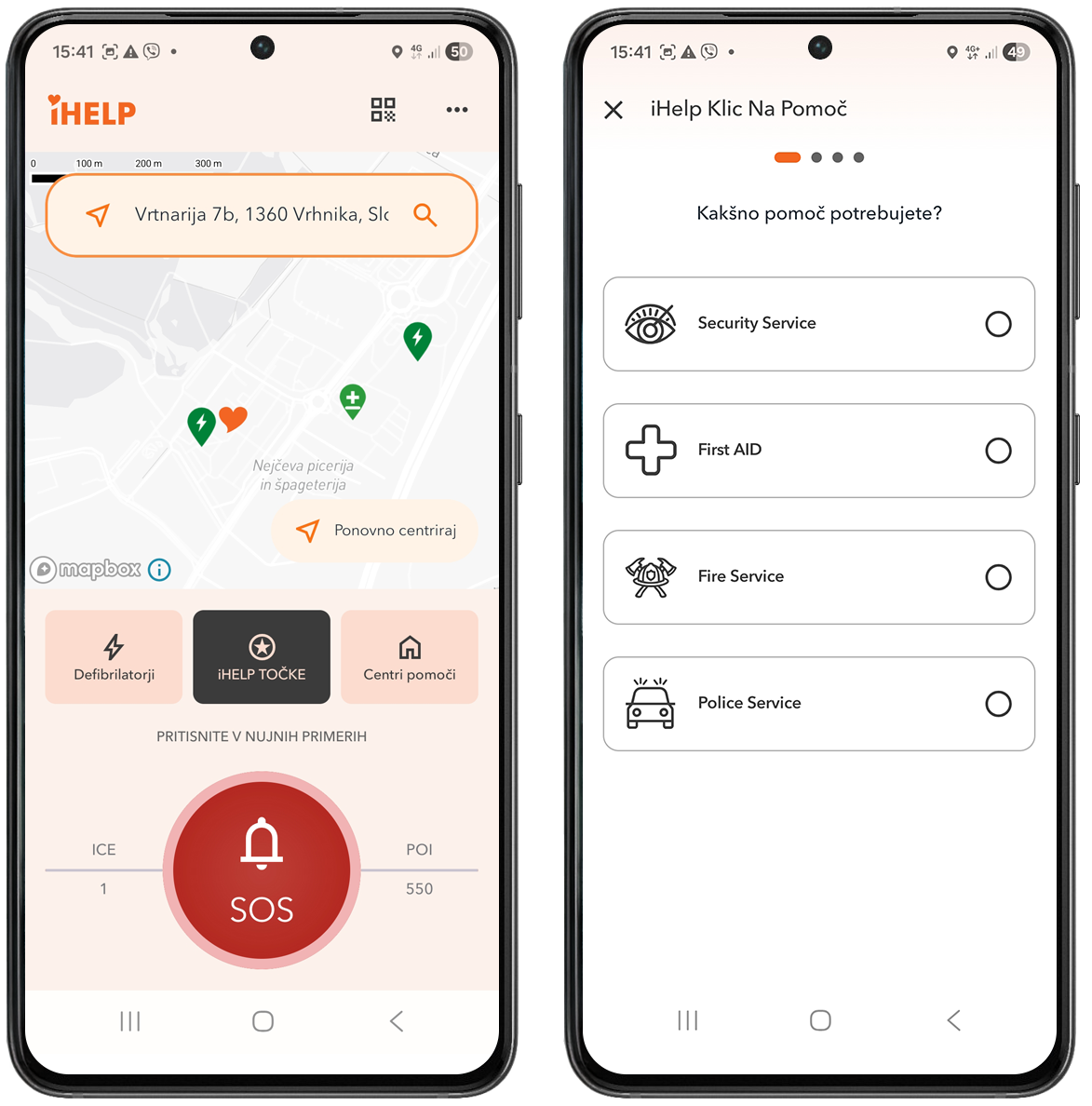
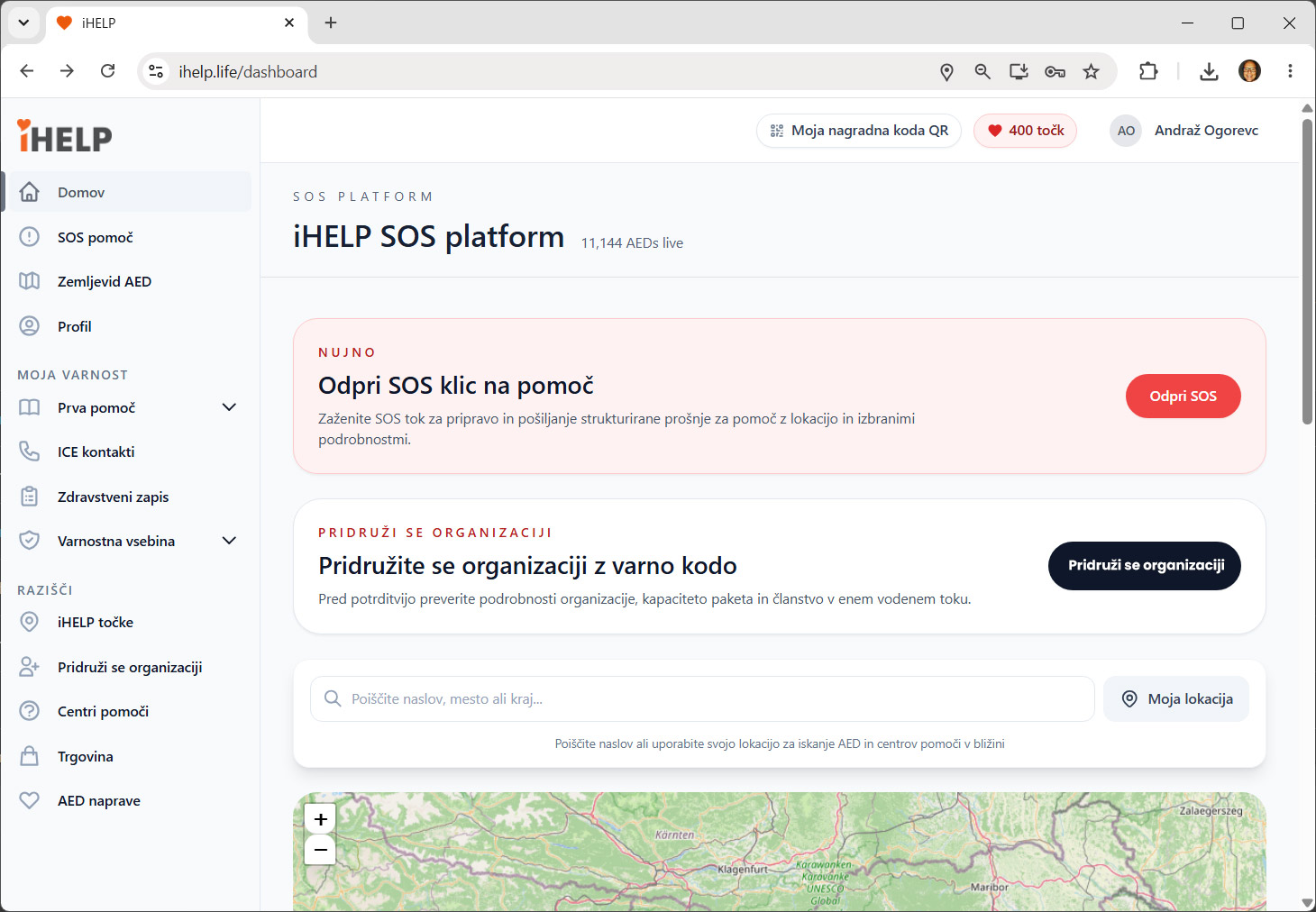
The iHELP web and mobile app brings together everything you need to act quickly and effectively in an emergency. It gives you fast access to first aid instructions, a defibrillator (AED) map, medical information and SOS alerts – at home, on the go or abroad.
Available on multiple platforms:




SOS alerts
Quickly notify your ICE contacts.
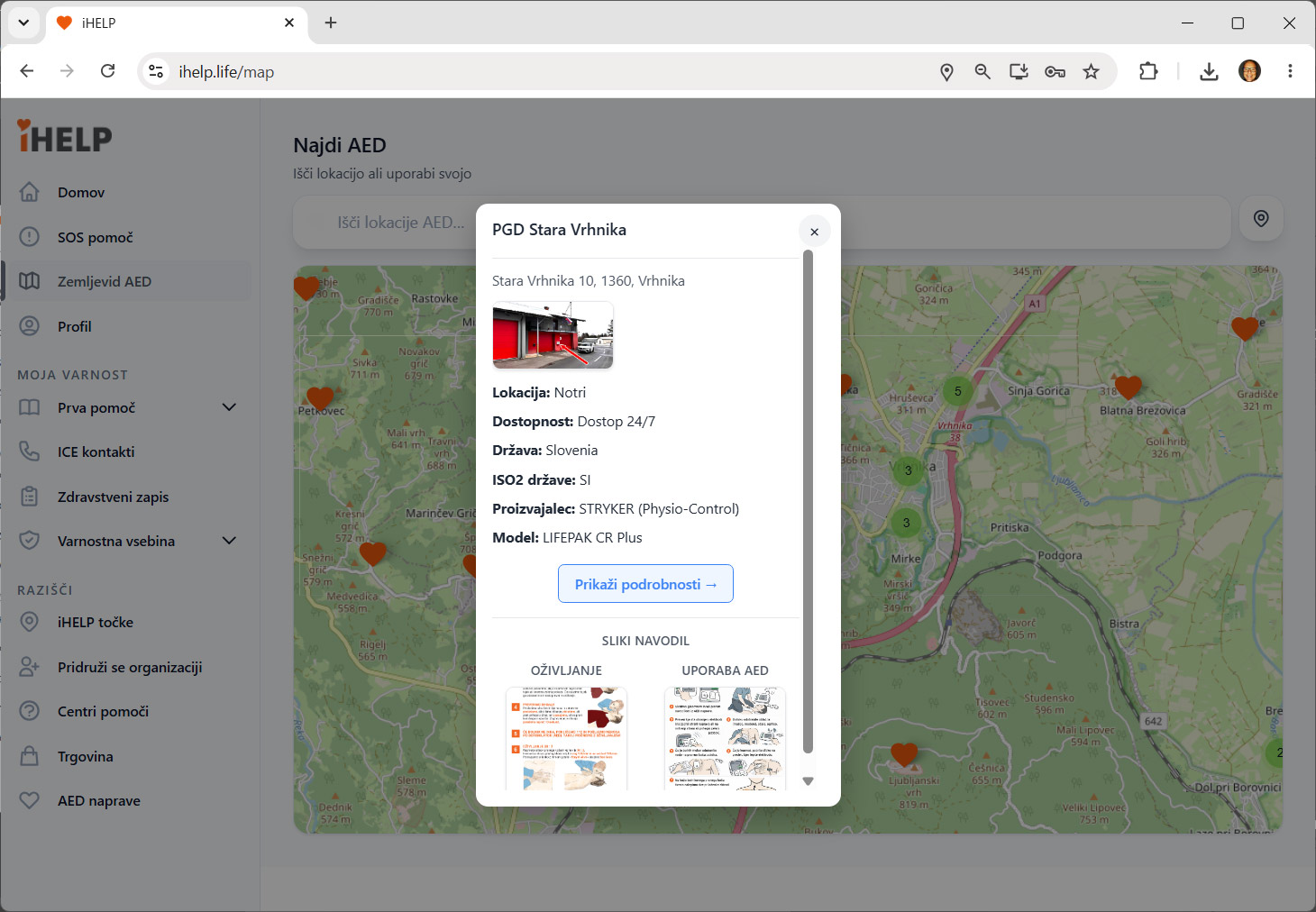
AED map
Find the nearest defibrillator.
First aid
Instructions for what to do in an emergency.

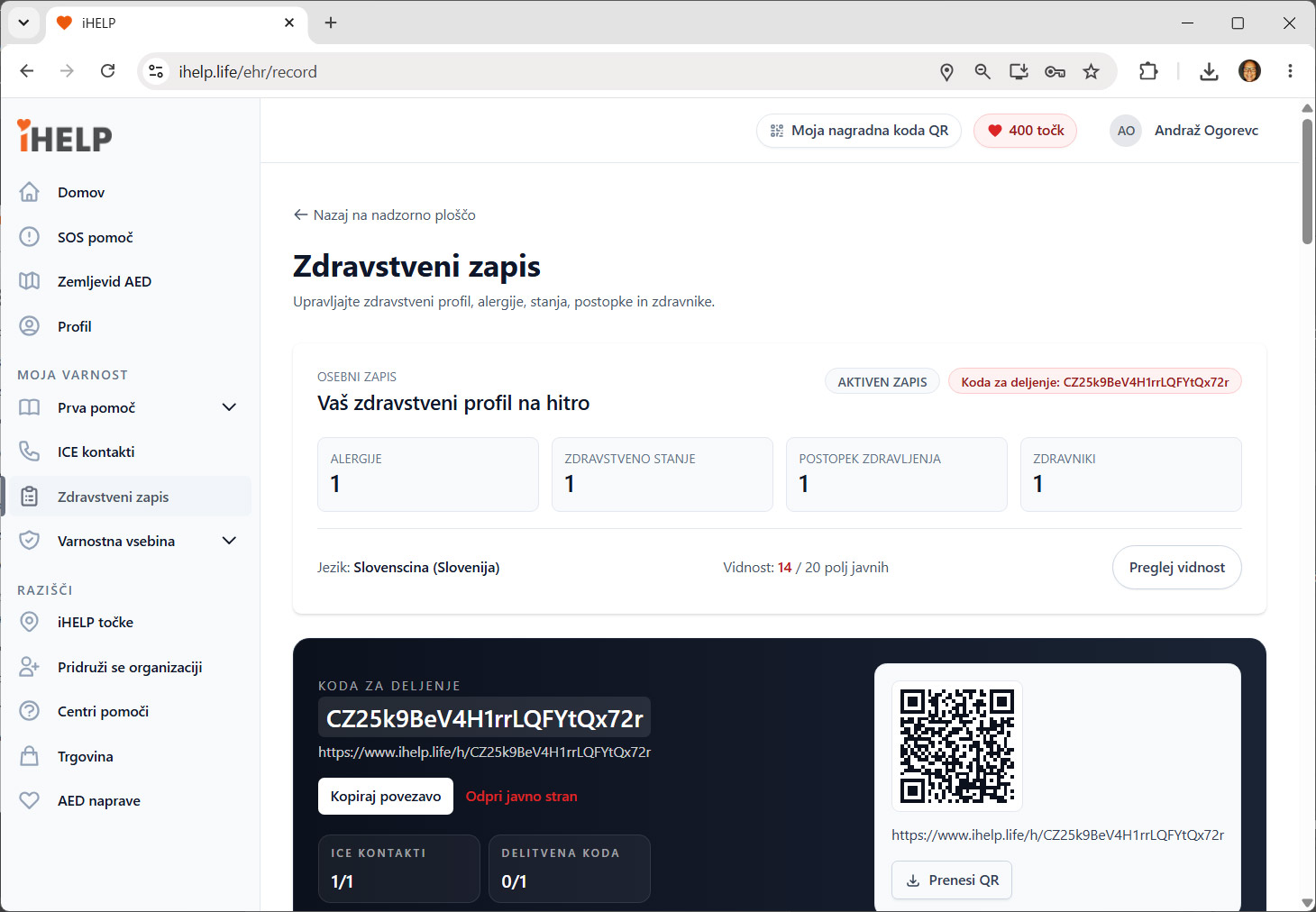
Medical profile
Important medical information in one place.

ICE contacts
Set your emergency contacts.

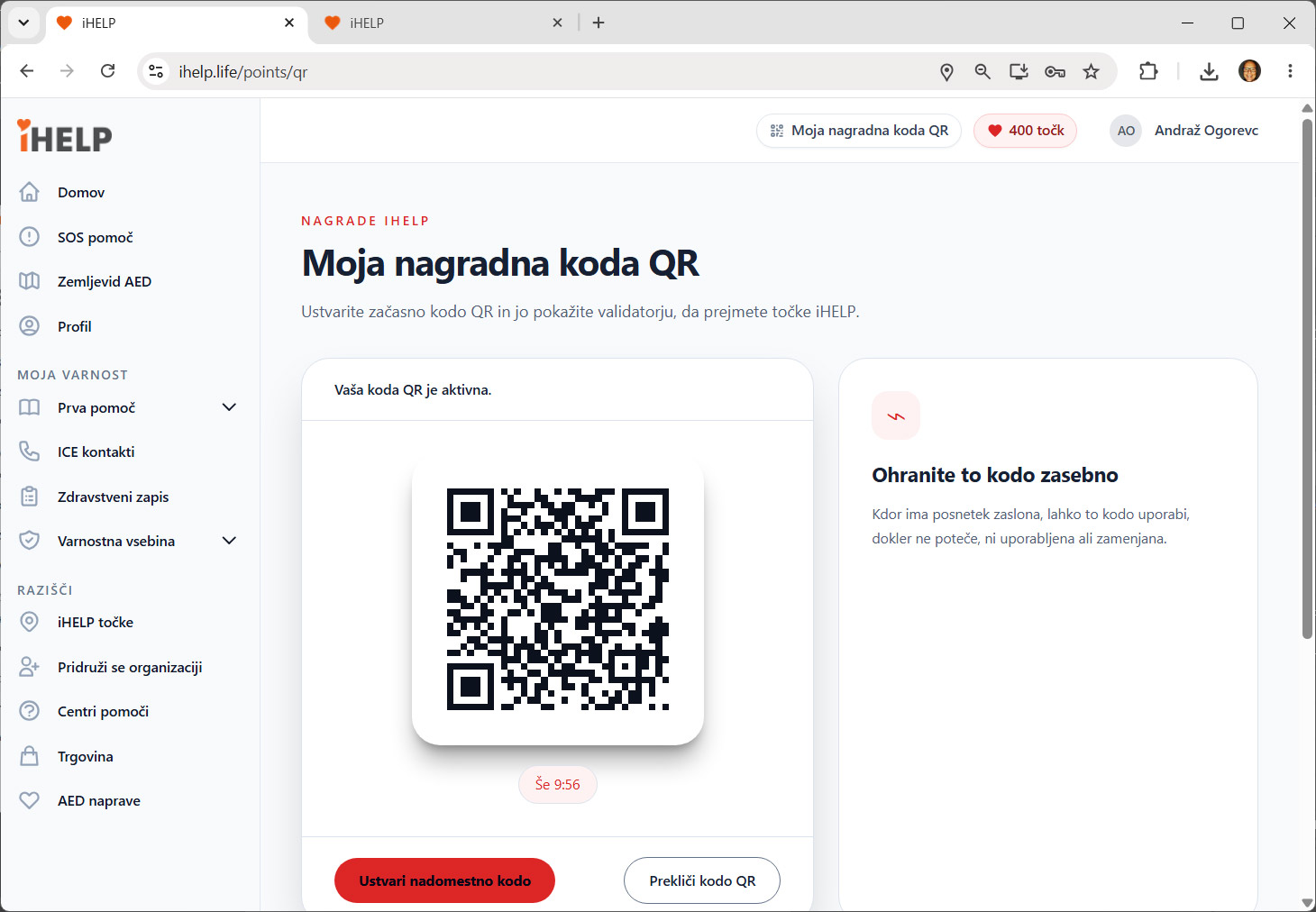
iHELP SOS Tag
Access your profile via NFC or QR code.
Choose your iHELP plan
Pick the plan that best suits your needs.

BASIC
Essential features for greater safety.
SOS alerts to an emergency contact1 preset SOS location
First aid content
AED map
Medical information entry
Educational and safety content
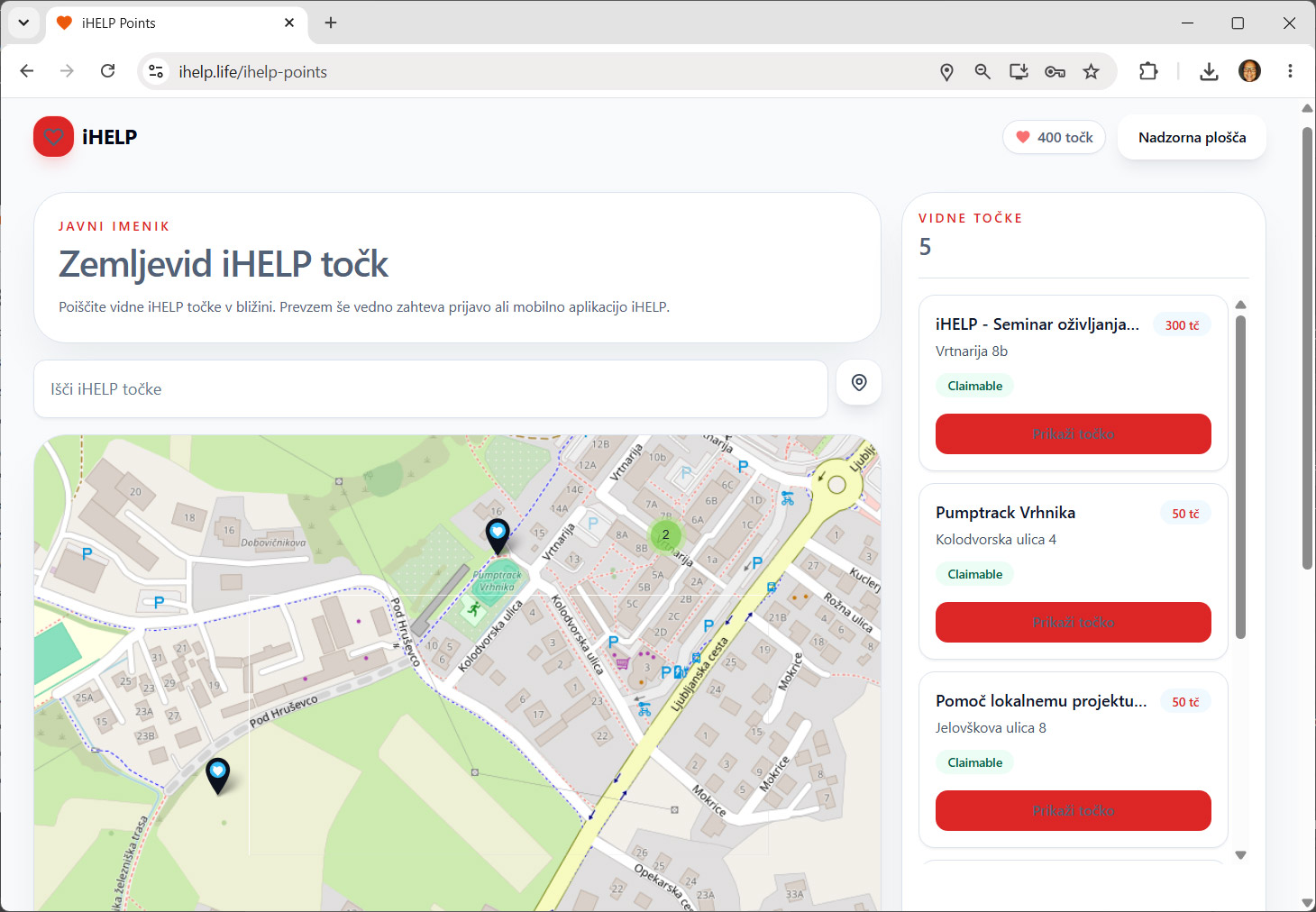
Collecting Heart Points

PLUS
More SOS features, ICE contacts and SOS Tag.
All BASIC features, plus:Alerts to up to 5 emergency contacts
3 preset SOS locations
Profile access via NFC/QR
Sharing of selected information
🎁 FREE GIFT WITH YOUR FIRST PURCHASE
Worth: €39.80
1 × iHELP Medical SOS Card
1 × NFC SOS Sticker: Yellow
SPECIAL PRICE:
€19.90 / year

PREMIUM
The highest level of protection and extra features.
All PLUS features, plus:Alerts to up to 10 emergency contacts
6 preset SOS locations
SOS notifications by email
SOS notifications by SMS
🎁 FREE GIFT WITH YOUR FIRST PURCHASE
Worth: €99.50
1 × iHELP Medical SOS Card
1 × NFC SOS Sticker: Yellow
1 × NFC SOS Sticker: Red-Black
1 × SOS Point
SPECIAL PRICE:
€59.90 / year
Your data. Your choice.
You decide which medical information to share when someone scans your iHELP SOS Tag.
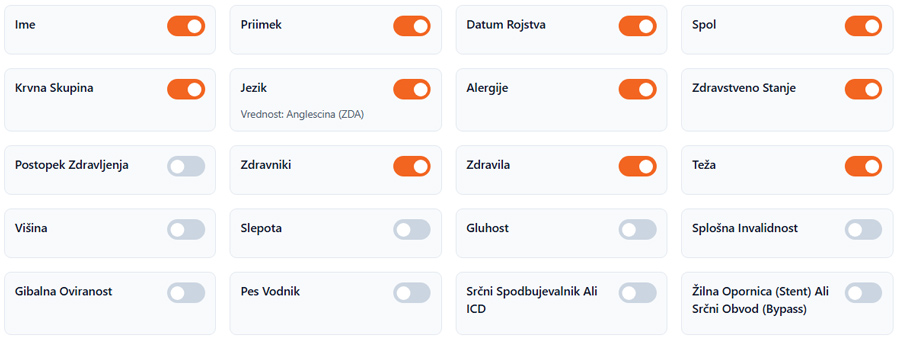
You can choose which information to display:
- basic personal details,
- blood type, allergies and medical conditions,
- medications, doctors and treatments,
- special medical circumstances (reduced mobility, blindness, deafness, guide dog),
- pacemaker or ICD,
- stent or heart bypass,
- profile picture and medical documents.
You decide what information to share.
How do SOS alerts work?
A walkthrough using the web app (platform)
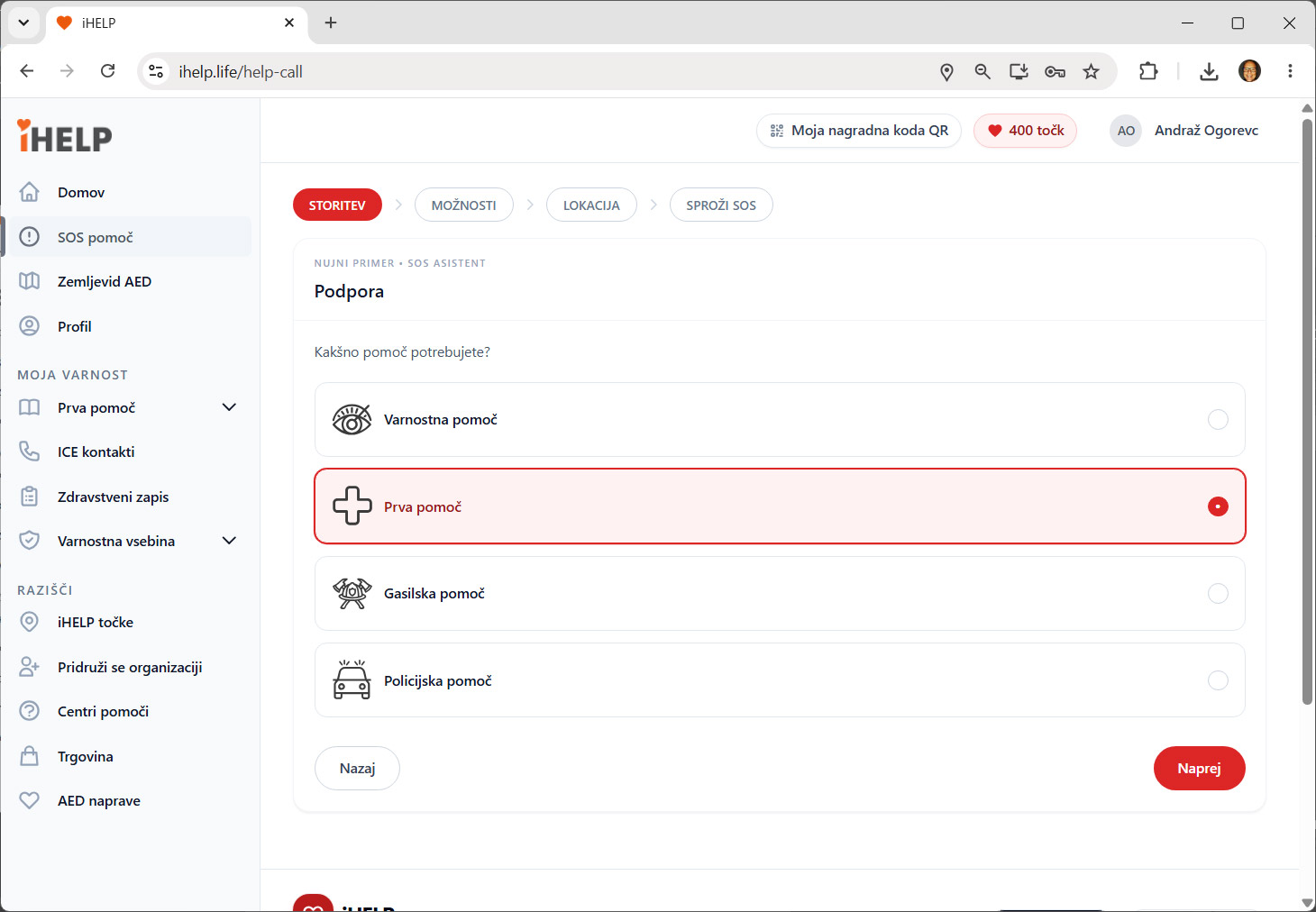
1. Choose the type of help
Choose from: medical, fire, police or security assistance.
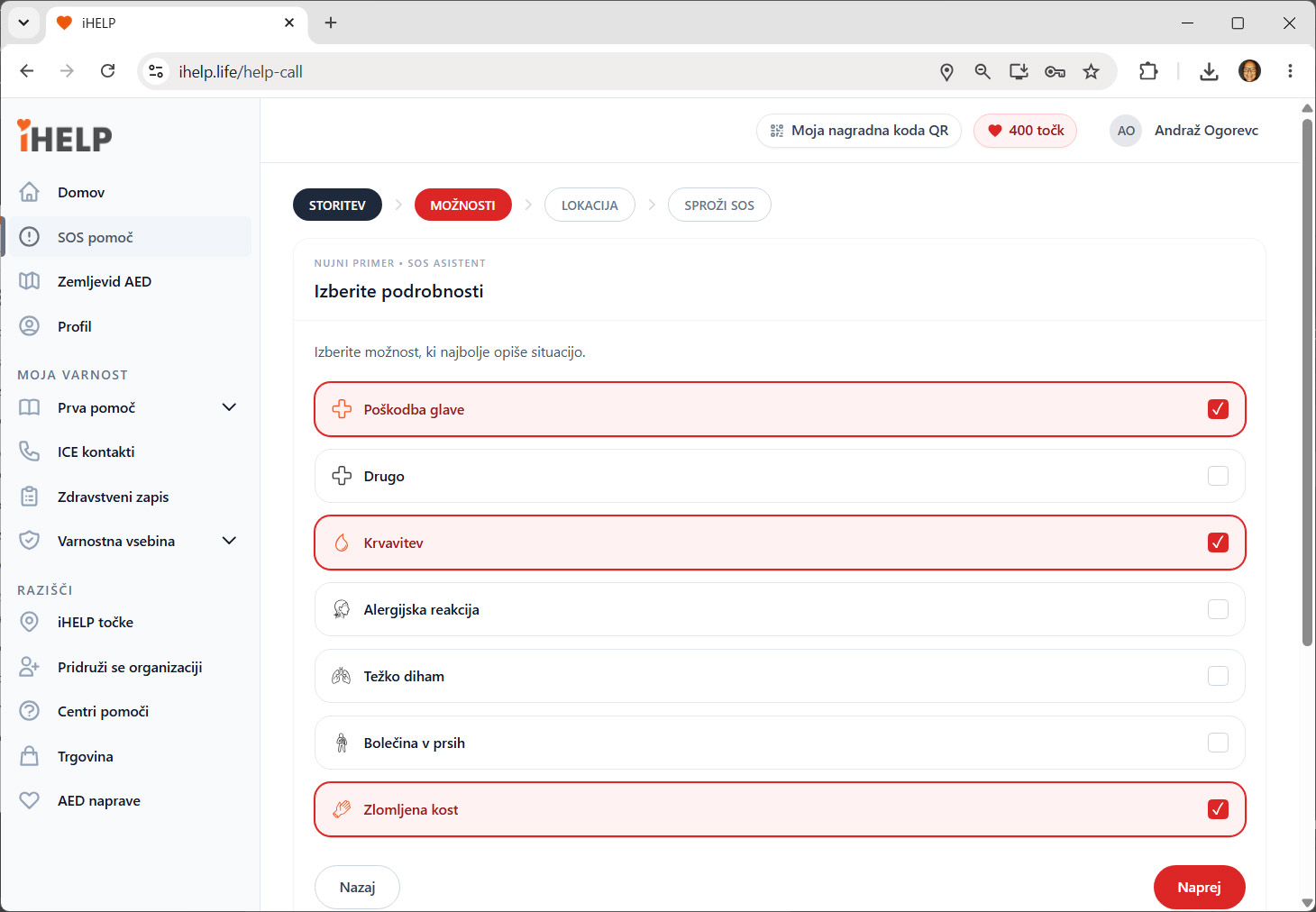
2. Choose the reason
Choose from: head injury, bleeding, cardiac arrest, broken bone...
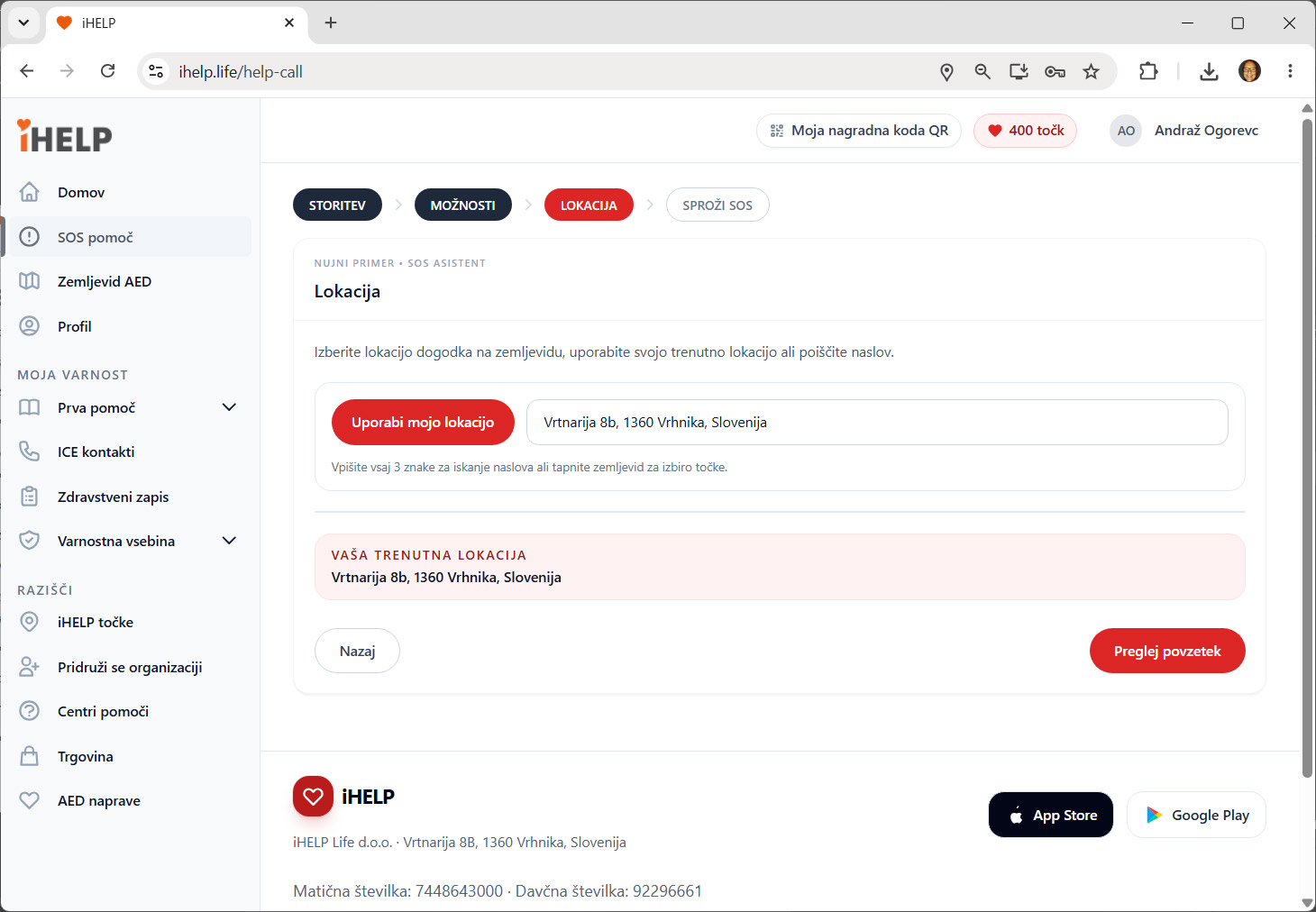
3. Choose a location and raise the alarm
Once activated, the iHELP SOS system notifies your emergency contacts.
Together we save lives
iHELP is more than an app.
By purchasing an iHELP plan, you become part of a story of safety, solidarity and helping one another.